Jean Phil AI Dance: What It Is and How to Create Your Own
Before creating your own video, try the free preview. Every new account can create one free watermarked preview; the full 720p MP4 is unlocked with a credit pack or plan. Failed generations return their reserved credits.
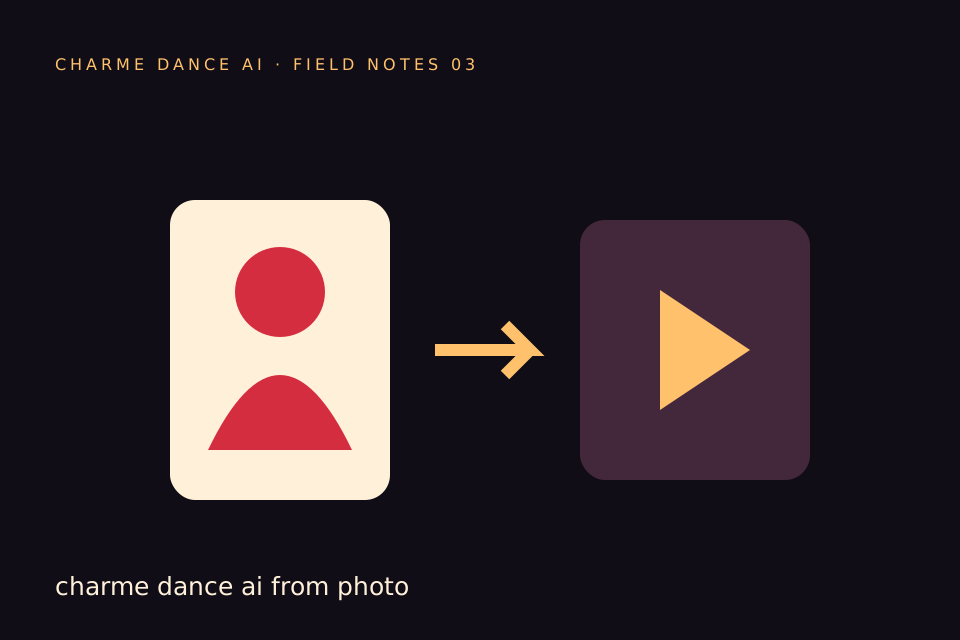
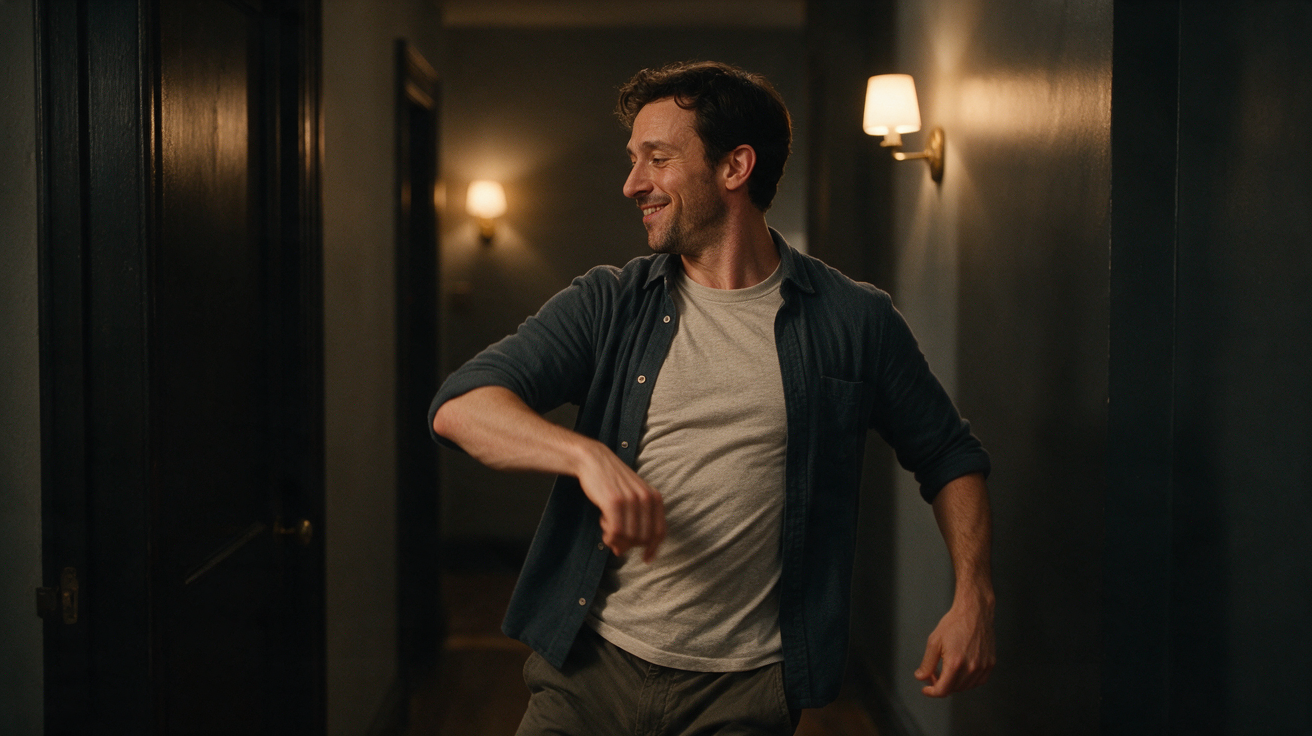
Jean Phil AI Dance is an AI-powered video generation service available on charmedanceai.pro that transforms a single uploaded photo of a consenting adult into a short, stylized dance animation. Using a licensed hallway dance reference and the Seedance 2.0 AI model, this service produces a vertical, silent, approximately 10-second MP4 video at 720p resolution. The result is a mobile-optimized clip that animates the subject’s likeness dancing, intended for personal use and social sharing.
This guide explains the context of AI-generated dance videos, details how to create your own Jean Phil AI Dance video on charmedanceai.pro, clarifies the service’s current features and limitations, and offers practical advice for best results. It also includes a comparison with other AI dance video options, a hypothetical worked example, and answers to frequently asked questions.
The Rise of AI-Generated Dance Videos
AI-generated dance videos have gained attention as a novel form of digital content creation. By combining AI models trained on dance motion data with user-provided images, these tools enable people to create personalized dance clips without physically performing or filming themselves. This trend appeals to social media users seeking fresh, shareable content and reflects broader developments in AI-assisted creativity.
Key aspects of this trend include:
- Accessibility: AI lowers barriers to producing visually engaging dance videos.
- Personalization: Users can animate their own photos, adding a personal touch.
- Short-Form Content: The videos are brief and formatted for platforms like TikTok and Instagram Reels.
- Attribution Complexity: AI-generated content raises questions about authorship and originality.
Jean Phil AI Dance on charmedanceai.pro participates in this trend by offering a streamlined way to generate AI dance videos from a single photo input.
What Is Jean Phil AI Dance on Toctocai.pro?
Jean Phil AI Dance is a specific AI video generation service hosted on charmedanceai.pro. It creates a roughly 10-second vertical silent MP4 video at 720p resolution by animating one uploaded photo of a consenting adult using a licensed hallway dance motion reference and the Seedance 2.0 AI model (bytedance/seedance-2).
Key Features and Limitations
- Input: One photo of a consenting adult in JPG, PNG, or WebP format, up to 10 MB.
- Dance Reference: A licensed hallway dance clip, not the original viral dance.
- Output: A silent vertical MP4 video, approximately 10 seconds long, at 720p resolution.
- Processing Time: Typically around 10 minutes per video, subject to queue length and server load.
- Credits: Each generation costs 50 internal credits. Credits are refunded if the generation fails.
- Credit Acquisition: Every new account gets one free watermarked preview. The full 720p file requires a credit pack or plan; the cost of the clip is shown before you start.
- Yearly Basic costs $100 for 34 standard videos, billed once a year. Credits expire at the end of the billing year; cancel future renewals anytime.
- User Interface: Accepts only one photo upload per generation. Does not support custom audio or video uploads, multiple dancers, alternative models, different formats or resolutions, trimming, muting, or email notifications.
- Video Preview: After generation, a 320px preview without a watermark is available. This is not a free custom preview but a downsized version of the final video.
- Content Screening: The platform filters text, images, and generated videos for NSFW content.
- Music: Generated videos are silent; no music rights are included. Users must add music separately if desired.
- Public Samples: Anyone can watch public sample videos without an account.
- Support Contact: contact@charmedanceai.pro
This service is designed for users seeking a simple, straightforward way to create AI dance videos from a single photo, with clear limitations on customization and output features.
Attribution and Uncertainty in AI-Generated Dance Videos
AI-generated dance videos like those produced by Jean Phil AI Dance involve multiple content sources and layers of processing, which complicates attribution and expectations:
- The photo subject provides the likeness.
- The Seedance 2.0 AI model animates the photo using learned motion patterns.
- The licensed dance reference supplies the choreography, but it is a derivative hallway dance clip, not the original viral dance.
- The platform’s rendering pipeline generates the final video.
Because the AI synthesizes motion and appearance, it cannot guarantee exact replication of the original choreography or perfect likeness accuracy. The video is silent, so users must add music separately and ensure they have appropriate rights. Variability in results means each generation may differ, and failures can occur.
Users should understand these limitations and avoid assuming the AI output is a precise or authorized reproduction of any original dance or person.
How to Create Your Own Jean Phil AI Dance Video on Toctocai.pro
Follow these steps to generate a Jean Phil AI Dance video:
-
Select a Suitable Photo
Choose one clear photo of a consenting adult in JPG, PNG, or WebP format, no larger than 10 MB. Well-lit, frontal or upper-body shots work best. -
Create or Log Into Your Account
Visit the homepage (/) and sign up or log in. Every new account gets one free watermarked preview; the full file needs credits. -
Purchase Credits
Buy credit packs or subscribe monthly via the /pricing page; the cost of the clip is shown before you start. -
Upload Your Photo
Navigate to the Jean Phil AI Dance generation page and upload your photo. Confirm consent for usage. -
Submit Your Job
Confirm credit usage and submit the request. Your job enters a queue for processing, which may take around 10 minutes or more depending on demand. -
Download Your Video
When ready, download the 10-second vertical silent MP4 video at 720p resolution. -
Add Music and Share
Use third-party editing software to add music if desired, respecting copyright laws, then share on social media platforms.
Following these steps will help you create a personalized AI dance video efficiently.
Comparison Table: Jean Phil AI Dance vs. Other AI Dance Video Services
| Feature | Jean Phil AI Dance (Toctocai.pro) | Generic AI Dance Apps | Custom Motion Capture Studios |
|---|---|---|---|
| Input | Single photo (consenting adult) | Photo or video | Professional motion capture |
| Dance Reference | Licensed hallway dance clip | Varies by app | Custom choreography |
| Output Format | ~10s vertical silent MP4 (720p) | Varies (length, resolution) | High-resolution video with audio |
| Processing Time | Around 10 minutes (queue-based) | Seconds to minutes | Hours to days |
| Cost Structure | Credits & subscriptions | Freemium or pay-per-use | Expensive project-based |
| Likeness Accuracy | Moderate, no guarantee | Variable | High (professional) |
| Music Included | No | Sometimes | Often included |
This table summarizes the practical differences to help users select the best option for their needs.
Worked Example: Creating Jean Phil AI Dance for “Alex” (Hypothetical)
To illustrate the process, consider Alex, a fictional consenting adult who wants to create an AI dance video for social media:
-
Step 1: Photo Selection
Alex chooses a clear, well-lit photo named “alex_photo.jpg” (5MB). -
Step 2: Account Creation
Alex signs up on charmedanceai.pro, logs in, and uses his free watermarked preview; the cost of the full file was shown before he bought a pack. -
Step 3: Credit Purchase
To create more videos, Alex purchases a 3-video credit pack for $19.90. -
Step 4: Upload and Submit
Alex uploads the photo, confirms consent, and spends 50 credits to submit the generation request. -
Step 5: Wait for Processing
Alex waits approximately 10 minutes for the video to be processed in the queue. -
Step 6: Download Video
Alex downloads the silent 10-second vertical MP4 video at 720p resolution. -
Step 7: Add Music and Share
Using video editing software, Alex adds music and shares the clip on TikTok.
This example demonstrates a typical user journey and the steps involved.
Tips for Best Results and Responsible Use
- Use high-quality, well-lit photos showing the consenting adult clearly.
- Only upload photos of consenting adults to respect privacy and legal requirements.
- Understand that the AI may not perfectly replicate your likeness or the dance moves.
- Generated videos are silent; add music separately and ensure you have rights to use it.
- Be transparent about AI generation when sharing videos to avoid misleading others.
- Use the platform’s NSFW filters to maintain appropriate content standards.
Frequently Asked Questions
How long does it take to generate a Jean Phil AI Dance video?
Processing usually takes around 10 minutes but can vary depending on server load and queue length.
What photo formats and sizes are accepted?
Only one photo per generation is accepted, in JPG, PNG, or WebP format, up to 10 MB in size, depicting a consenting adult.
Does the AI guarantee exact dance moves or likeness accuracy?
No. The AI uses a licensed dance reference but does not guarantee precise choreography replication or perfect likeness.
Is music included in the generated video?
No. The output video is silent. Users must add music separately using third-party software and ensure compliance with copyright laws.
How do I pay for a video on charmedanceai.pro?
Authenticated users get one free watermarked preview, then buy a credit pack or plan for the full 720p file; the cost of the clip is shown before you start, and failed generations return their reserved credits.
Explore More on Toctocai.pro
To learn about related AI video generation trends, visit our blog:
For current pricing and subscription details, see the Pricing page.
Jean Phil AI Dance on charmedanceai.pro offers a straightforward way to create AI-generated dance videos from a single photo, blending licensed choreography with AI animation. By understanding its features, limitations, and ethical considerations, you can produce engaging personalized dance clips suitable for social sharing. Use this guide to navigate the process confidently and responsibly.
Try the tool from this guide
Use the same generator here: one adult photo or a text description, with the credit cost shown before submission.
Make your Charme Dance AI video
Add one clear adult photo. Keep your look, choose the atmosphere, and create a new dance scene.
JPG, PNG or WebP · up to 10 MB
Use a clear front-facing photo with your shoulders and outfit visible. A full-body photo gives the model more useful detail.
Extra direction (optional)
Video length
Only completed videos you choose to share may be selected for the gallery. Your original photo stays private.
$19.90/ 30 credits
30 credits · 12 secondsYou have 0 of 30 credits · short 30.
Generation uses paid credits. No registration gifts or free previews.
Your videos
Your finished Charme videos will appear here. Start with a photo or describe a scene above.
Charme Dance AI
Charme Dance AI editorial team · Source and publishing references