Creating a Charme Dance AI Video for TikTok: A Practical Guide
Before creating your own video, try the free preview. Every new account can create one free watermarked preview; the full 720p MP4 is unlocked with a credit pack or plan. Failed generations return their reserved credits.
Understanding Charme Dance AI Video Creation for TikTok
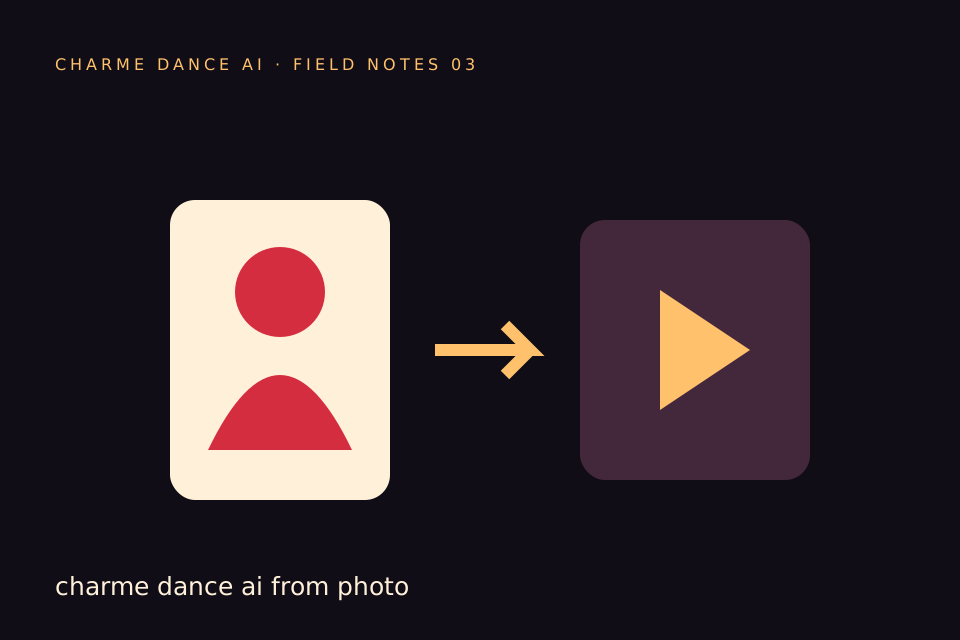
Charme Dance AI is a specialized platform designed to generate short, silent vertical videos featuring a consenting adult’s photo animated with a licensed dance reference. The service accepts one JPG, PNG, or WebP image file up to 10 MB, depicting a consenting adult, and uses a single licensed hallway dance reference clip combined with the Kie AI Seedance 2.0 model (bytedance/seedance-2) to produce a vertical, approximately 10-second silent MP4 video at 720p resolution.
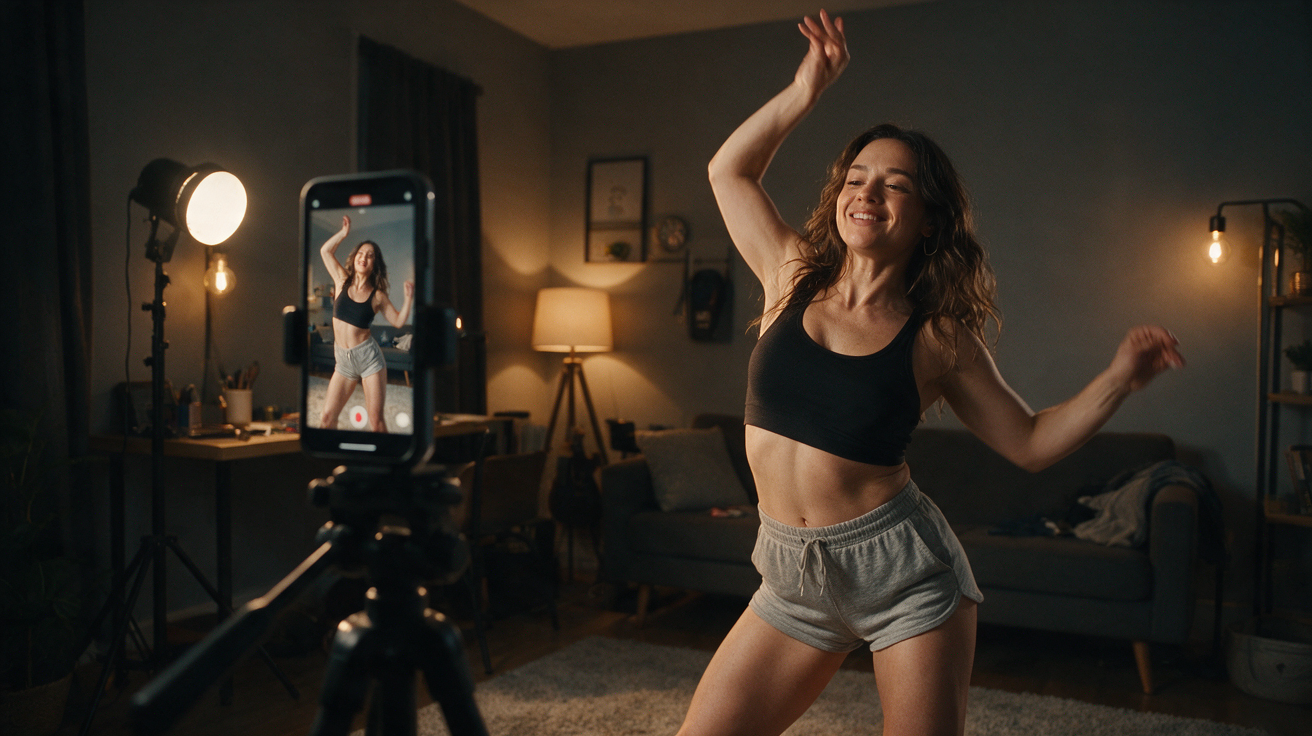
This output format aligns well with TikTok’s preferred vertical video style, making it suitable for direct upload after adding audio separately. The platform does not include audio in its generated videos, so creators must add soundtracks independently to comply with TikTok’s audio rights policies.
The generation process typically takes around 10 minutes, though queue times may vary depending on server load. It is important to note that the platform does not guarantee likeness accuracy or choreography fidelity, and generation may fail in some cases. Users can monitor the status of their job on the site but do not receive email notifications.
Why Vertical Format Matters for TikTok
TikTok’s interface is optimized for vertical videos displayed in a 9:16 aspect ratio, typically at 1080x1920 pixels. Charme Dance AI outputs videos at 720p vertical resolution (approximately 720x1280), which is close enough to TikTok’s standard to maintain visual quality without significant upscaling.
Using vertical videos ensures:
- Full-screen viewing: The video fills the entire mobile screen, enhancing viewer immersion.
- Better engagement: Vertical videos tend to have higher watch times and engagement rates on TikTok.
- Simplified workflow: No need for cropping or repositioning videos in post-production.
Because Charme Dance AI outputs silent vertical videos, creators have flexibility to add any audio they choose within TikTok or via external editors.
Navigating Audio Rights for TikTok Videos
Since Charme Dance AI videos are silent, you must add audio separately before uploading to TikTok. TikTok enforces strict rules regarding audio rights to prevent copyright infringement.
Key considerations include:
- Use TikTok’s licensed sounds: TikTok offers a large library of licensed music and sounds accessible within the app.
- Create original audio: Recording your own voiceovers or sounds avoids copyright issues.
- Licensed third-party music: You may add music you have rights to via external video editors before uploading.
- Avoid unlicensed music: Using copyrighted music without permission risks video removal or muting.
This silent output approach gives creators full control over audio choice, avoiding complications from bundled copyrighted music.
Step-by-Step Guide to Creating a Charme Dance AI Video for TikTok
-
Prepare a clear photo
Upload a clear JPG, PNG, or WebP image of a consenting adult. The photo should have good lighting and visible facial features. The file size must not exceed 10 MB. -
Submit your photo for generation
Upload your photo to charmedanceai.pro. The platform uses one licensed hallway dance reference clip and the Seedance 2.0 AI model to generate the video. -
Wait for processing
Video generation typically takes about 10 minutes but may vary. You can check the job status on the site; no email notifications are sent. -
Review NSFW filtering
Charme Dance AI applies automated filters on text, images, and generated videos to block NSFW content. Submissions violating guidelines will be rejected. -
Download the silent video
Once complete, download the approximately 10-second vertical 720p silent MP4 video. A smaller 320px preview without a watermark is available after generation but is not a free custom preview. -
Add audio separately
Use TikTok’s built-in audio library or your own licensed sounds to add audio during TikTok upload or in an external video editor. -
Upload and publish on TikTok
Upload the vertical video with your chosen audio track, add captions and hashtags, then publish. -
Monitor and optimize
Track your video’s performance and adjust your content strategy accordingly.
Comparison Table: Charme Dance AI vs Other AI Video Tools for TikTok
| Feature | Charme Dance AI | Generic AI Video Generators | TikTok Native Video Editor |
|---|---|---|---|
| Output Format | Vertical 720p silent MP4 | Often horizontal or square | Vertical 1080p with audio |
| Audio Included | No (silent) | Sometimes includes audio | Yes, built-in licensed library |
| Dance Reference | Single licensed hallway clip | Varies, often unlicensed clips | User-generated or TikTok trends |
| Credit System | One free watermarked preview; paid packs and plans unlock the full file | Usually pay-per-video or subscription | Free with TikTok account |
| NSFW Filtering | Yes (text/image/video filters) | Varies | Community guidelines enforced |
| Customization Level | Upload photo + fixed dance motion | Often customizable animations | Full video editing capabilities |
Worked Example: Creating a Charme Dance AI Video with “Alex” (Hypothetical)
To illustrate the process, consider Alex, a fictional consenting adult who wants to create a TikTok dance video using Charme Dance AI.
-
Step 1: Photo Upload
Alex takes a clear selfie under good lighting, saved as “alex_selfie.png” (3.2MB). -
Step 2: Launch Charme Dance AI
Alex visits charmedanceai.pro and uploads the photo. -
Step 3: Generation and Queue
Alex waits approximately 10 minutes for the AI to process the photo with the Seedance 2.0 model and the licensed hallway dance reference. -
Step 4: Download Silent Video
Alex downloads the 10-second vertical silent MP4 video showing his face animated with the hallway dance moves. -
Step 5: Audio Selection
Alex opens TikTok and selects a trending licensed dance track from TikTok’s audio library. -
Step 6: Upload and Publish
Alex uploads the vertical video, adds the chosen audio, captions it “My AI dance moves!”, and posts. -
Step 7: Engagement
Alex monitors comments and shares, using the vertical format and popular audio to maximize reach.
This example demonstrates how Charme Dance AI’s silent vertical video output can be paired with TikTok’s audio tools for a smooth content creation workflow.
Tips for Maximizing Your Charme Dance AI Video Impact on TikTok
- Use trending audio: Browse TikTok’s trending sounds to increase visibility.
- Optimize video length: The platform outputs about 10 seconds, which suits TikTok’s short video style.
- Add captions or text overlays: Use TikTok’s editor to add context or humor.
- Engage with comments: Responding to viewers helps build community and algorithm favorability.
- Post consistently: Regular uploads improve follower retention.
Pricing and Credit System Overview
Charme Dance AI operates on an internal credit system for video generation:
- New users do not receive credits upon registration.
- Users start with one free watermarked preview and buy credit packs or plans for the full file; the cost of the clip is shown before they start.
- Each video generation consumes 50 credits.
- One-time credit packs are available for purchase:
- $9.90 for 1 video credit
- $19.90 for 3 video credits
- $29.90 for 5 video credits
- A monthly subscription plan costs $29.90 for 10 video credits; these credits expire at the end of each billing month.
- Unused credits from one-time purchases do not expire.
- Yearly Basic costs $100 for 34 standard videos, billed once a year. Credits expire at the end of the billing year; cancel future renewals anytime.
- Purchases are processed via Stripe but no live sales data or customer testimonials are available yet.
Credits are refunded if a generation fails. Users check job status on the site; no email notifications are provided.
Frequently Asked Questions
How long does it take to generate a Charme Dance AI video?
Generation typically takes about 10 minutes, but queue times can vary depending on server load.
What photo formats and sizes are accepted?
Charme Dance AI accepts one JPG, PNG, or WebP photo of a consenting adult, up to 10 MB in size.
Does Charme Dance AI provide audio with the video?
No. The output video is silent. You must add audio separately using TikTok’s audio library or your own licensed sounds.
What is the video resolution and format?
The output is a vertical 720p silent MP4 video, approximately 10 seconds long.
Are there content restrictions or filters?
Yes. The platform applies automated NSFW filters on text, images, and generated videos. Content violating guidelines will be rejected.
Additional Resources
For further information on AI-generated video content and related topics, explore these internal links:
- How Charme Dance AI videos compare for Instagram Reels: /blog/toc-toc-ai-for-instagram-reels
- Understanding Charme Dance AI video costs: /blog/toc-toc-ai-video-cost
- Visit the homepage for the latest updates and features: /
By following this guide, you can confidently create high-quality Charme Dance AI videos optimized for TikTok’s vertical format while managing audio rights responsibly. This approach ensures your TikTok content is visually appealing, compliant with platform policies, and ready to engage your audience. For questions or support, contact contact@charmedanceai.pro.
Try the tool from this guide
Use the same generator here: one adult photo or a text description, with the credit cost shown before submission.
Make your Charme Dance AI video
Add one clear adult photo. Keep your look, choose the atmosphere, and create a new dance scene.
JPG, PNG or WebP · up to 10 MB
Use a clear front-facing photo with your shoulders and outfit visible. A full-body photo gives the model more useful detail.
Extra direction (optional)
Video length
Only completed videos you choose to share may be selected for the gallery. Your original photo stays private.
$19.90/ 30 credits
30 credits · 12 secondsYou have 0 of 30 credits · short 30.
Generation uses paid credits. No registration gifts or free previews.
Your videos
Your finished Charme videos will appear here. Start with a photo or describe a scene above.
Charme Dance AI
Charme Dance AI editorial team · Source and publishing references